
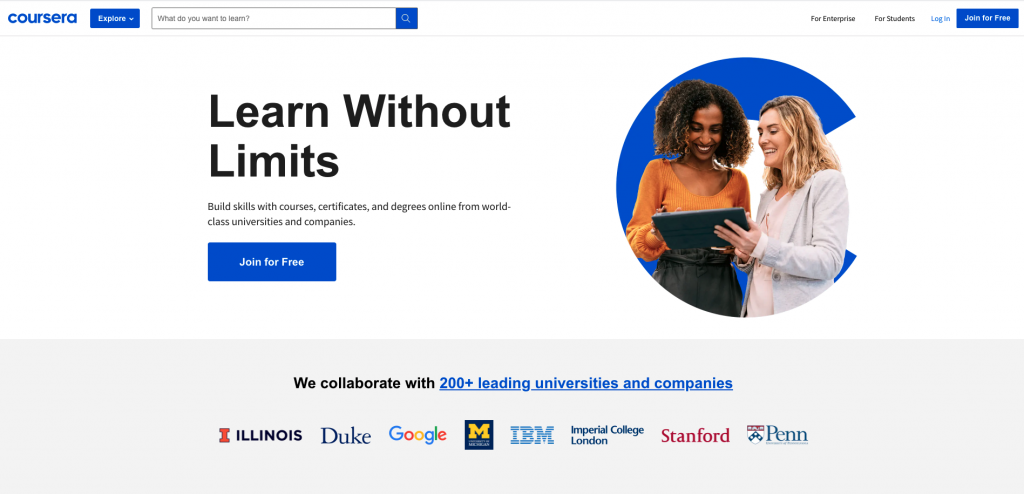
What is Coursera?
Coursera is one of the biggest educational online providers that 77 million learners around the world are building their new skills. Coursera partners with top universities in the US and around the world including Harvard, MIT, Stanford, Yale, Michigan, UPenn, and Princeton. Many big companies such as Google, IBM also provide high-quality courses.
How to Take Coursera Free Courses?
Coursera is designed to push learners to its paid courses, which can make new learners confuse in finding free courses. Most of the courses can take for free whereas a few courses are not. Coursera calls ‘Audit the course’ which means taking courses for free. You can find the ‘Audit the course’ in an individual course. If you are in Specialization or Professional Certificate courses, you are not be allowed to sign up for ‘Audit the course.’
Also, you have to aware that ‘Enroll for Free’ is the meaning that you can take 7-day Free Trial of the course. It means you should subscribe to the course after 7 days. So, finding ‘Audit’ link is the way to take the course for free. I am going to introduce how to find the ‘Audit’ link in an individual course and in Specialization or Professional Certificate courses.
Individual Course
If you want to find ‘Audit the course’ in a course which is called ‘Fundamental of Graphic Design,’ then follow the pictures below.


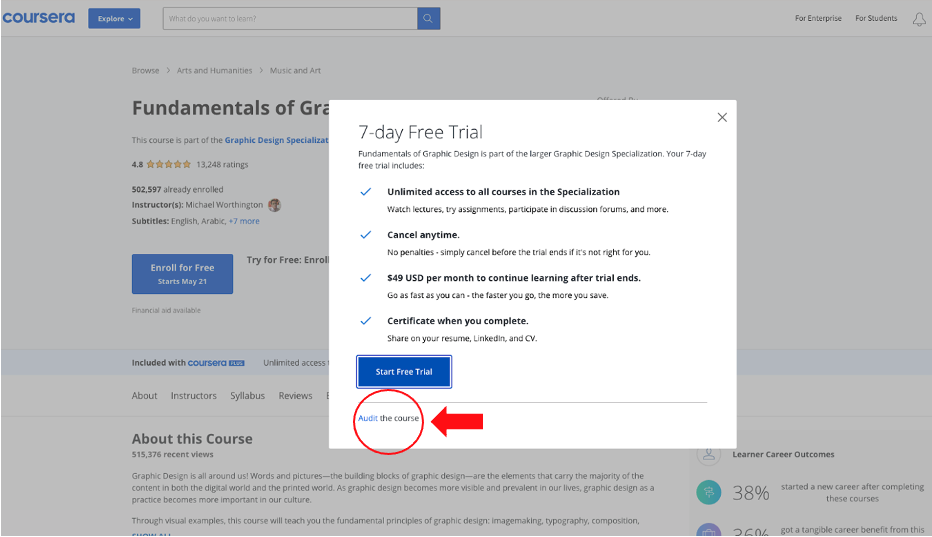
If there is no ‘Audit the course’ in an individual course, it means that the course is not free. Only a few courses may be the cases.
Specialization, Master Track, and Professional Certificate Courses
If you want to find ‘Audit the course’ in a Specialization course which is called ‘Graphic Design Specialization,’ then follow the pictures below. Many courses of Specialization don’t show the word ‘Specialization’ on the search but when you click then fine it.


The Specialization course consists of several individual courses.


